Hard bounce vs soft bounce: which one to worry about
Hard bounce vs soft bounce: 5xx means permanent, 4xx means try again. See real codes, what to do with each, and when a soft bounce is really a block.
 Karim MFounder, SendingOS · 4 min read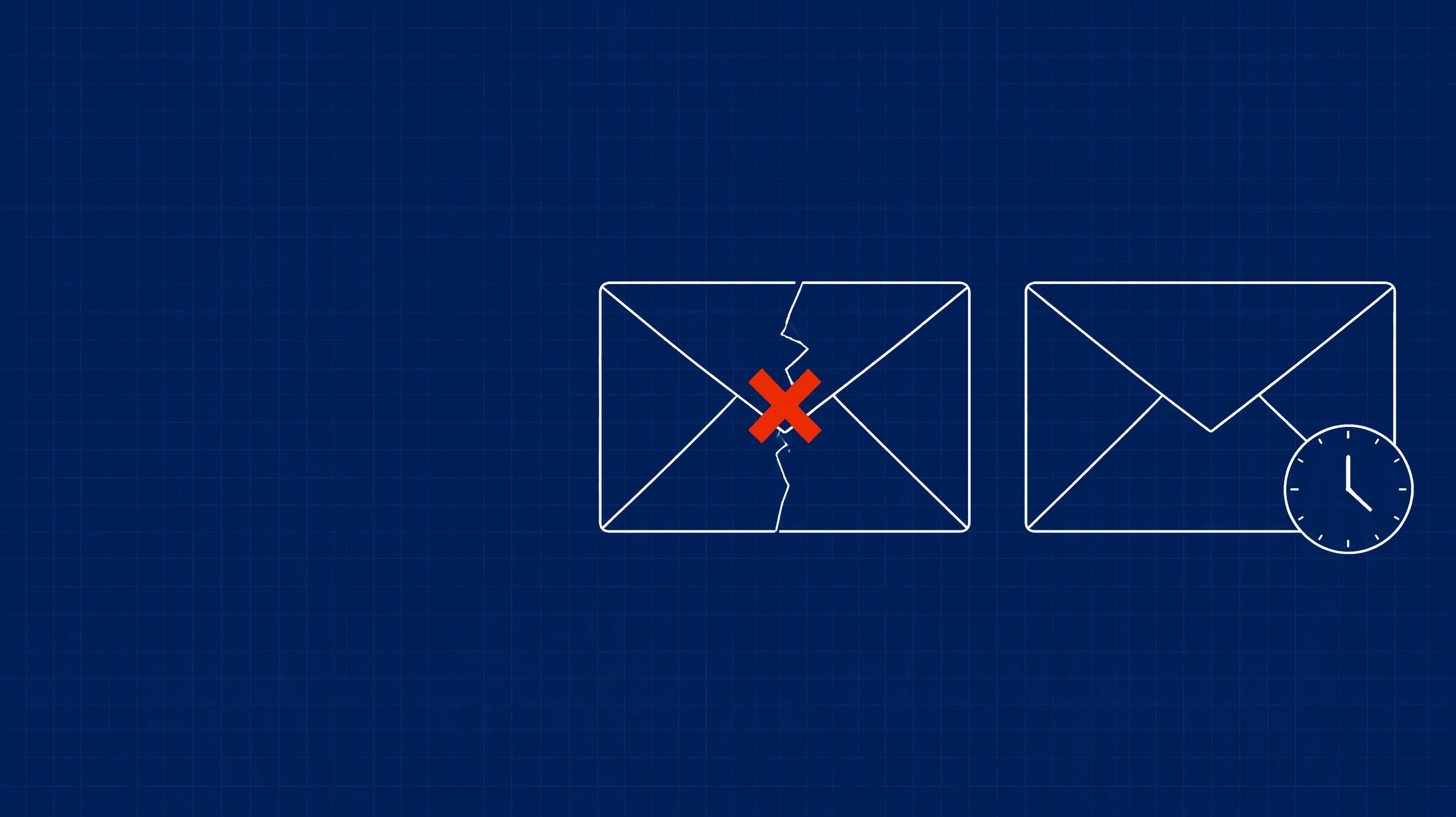
Every bounce is either permanent or temporary, and the difference decides what you do next. Hard bounce vs soft bounce sounds like trivia until your bounce rate climbs and you have to decide whether to clean the list, slow down, or change domains. This is how to tell them apart and which one to worry about.
5xx and 4xx: the actual difference
Every SMTP reply starts with a three-digit code. The first digit is the whole story (RFC 5321):
5xx is permanent. The server is refusing the message and won't take it if you try again. That is a hard bounce.
4xx is temporary. The server couldn't take it right now, and trying again later may work. That is a soft bounce, and your sending server normally retries for you.
The enhanced code that follows (like 5.1.1) says why, using the classes in RFC 3463: .1. is about the address, .2. the mailbox, .4. the network, .7. a security or policy refusal. Our bounce code library explains each code and whose problem it is.
Hard bounces: examples and what to do
550 5.1.1: the mailbox doesn't exist. A typo, a deleted account or a guessed address.
550 5.2.1: the mailbox is inactive.
553 5.1.3: the address is malformed.
552 5.2.2: Gmail's full-and-inactive mailbox, sent as permanent.
What to do: remove the address. Do not retry. Yahoo's guidance for permanent errors is the same: take the address off your list. One hard bounce is nothing. Many from one list is a bad source, because mailbox providers read a lot of mail to addresses that don't exist as a sign of a careless sender. Stop that list before it becomes a reputation problem, and verify addresses before the next send. High email bounce rate? Burned domain or bad list shows how to read the pattern.
Soft bounces: examples and what to do
452 4.2.2: the recipient's mailbox is full. Their problem, temporary.
450 4.2.1: Gmail says the recipient is receiving mail too quickly, so it's deferring yours.
421 4.7.28: Gmail is rate-limiting you. This one is about you, not them.
What to do: let the retry happen. If the same address soft-bounces across several sends, stop sending to it, since an address that never accepts mail isn't worth the risk. A full mailbox alone isn't a reason to give up on someone; reach them another way. One soft bounce on its own is noise.
When a soft bounce is really a block
The 4xx label can hide a sender problem. A temporary code is often a provider telling you, politely, to slow down.
Take 421 4.7.28. It's technically temporary, but its text says Gmail has detected an unusual rate of mail from your IP or domain, and other versions name the domain in a link. Mail may be delivered on retry, but Gmail is telling you what it thinks of your sending. A run of these across many recipients at one provider is a throttle, not a set of full mailboxes.
How to tell:
Many recipients, one provider, same code: that's about you, not them.
A 4.7.x code (security or policy) is a different animal than a 4.2.x mailbox code.
Soft bounces that start the day you raised volume point at your own ramp.
Providers also don't always follow the classes cleanly. Gmail sends 552 5.2.2 as permanent for a full mailbox, where the RFC prefers a temporary code. Read the text after the code, every time. For the reverse case, where a permanent code means the sender is the problem, see 550 5.7.1 and 550 5.7.26.
Hard bounce vs soft bounce: which one to worry about
Hard bounce | Soft bounce | |
|---|---|---|
Code starts with | 5 | 4 |
Retry? | No | Your server does |
Usually points at | The list | Their mailbox, or your pace |
First move | Remove the address | Wait, then watch for a pattern |
Worry when | Many come from one list | Many come from one provider |
Hard bounces first, because they're the ones you cause and the ones that pile up into reputation damage. Soft bounces deserve a look when they cluster. Do the sums yourself: bounces divided by emails sent, split by hard and soft, per sending domain. If you want to dig into what reputation does with all this, read domain reputation.
In SendingOS, every bounce is sorted into hard, soft or block, with its reason (unknown recipient, mailbox full, spam block, authentication policy, DNS failure) and the SMTP code shown on the conversation. The thread is labelled Bounced, so you can filter the inbox to just the bounces and pull dead addresses fast.
Working out your numbers
Don't lump bounces into one figure. For each sending domain over the same period, work out two rates: hard bounces divided by emails sent, and soft bounces divided by emails sent. Say you send 1,000 emails and 15 hard-bounce while 10 soft-bounce: that's 1.5% and 1%. (An example with round placeholder numbers, not a typical result.) The hard rate tells you about the list. The soft rate, split by provider, tells you about pace and about the other side's mailboxes. If the hard rate jumps after you add a new list, the list is the cause. If the soft rate jumps at one provider the day you raised volume, your ramp is.
What not to do
Don't retry a hard bounce. It adds another bounce and tells the provider you ignore feedback.
Don't delete every soft bounce on sight. You lose real people with full inboxes or a bad afternoon at their server.
Don't read "550" as one thing. It covers a dead address and a spam block alike. The enhanced code and the text decide.
Don't switch domains at the first block. Find out whether it's your list, your authentication or your volume. SPF, DKIM and DMARC is the first thing to rule out.
Run email, LinkedIn and calling from one sequencer, with the deliverability setup built in.
Book a callQuestions
What is the difference between a hard bounce and a soft bounce?
A hard bounce is a permanent failure, with a reply code starting 5, such as 550 5.1.1 for an address that doesn't exist. A soft bounce is a temporary failure, with a code starting 4, such as 452 4.2.2 for a full mailbox. Servers retry soft bounces on their own.
Should I worry more about hard bounces or soft bounces?
Hard bounces first, because they point at a bad list and they damage reputation when they pile up. Soft bounces are usually harmless one at a time, but a run of them from one provider can be an early warning that you are being throttled.
Can a soft bounce turn into a hard bounce?
Yes. Your server retries a soft bounce for a while, and if it never gets through the message ends up failed. Some providers also send a permanent code for a condition that sounds temporary, such as Gmail's 552 5.2.2 for a full and inactive mailbox.
Should I remove soft-bounced addresses from my list?
Not after one. Remove an address if it keeps soft-bouncing across several sends, and remove every hard bounce right away. Don't retry a hard bounce.